
Who We Are
At Roberts Auctioneering, we believe auctions are built on relationships, not volume. What you see here is our team — two people and two dogs — each playing an important role in how we work and how we serve our clients. With decades of combined experience, we bring a hands-on, personal approach to every auction, guided by integrity, clear communication, and respect for the stories behind the items entrusted to us.
The profiles below share a bit more about our backgrounds, experience, and the personalities you’ll encounter along the way — including our four-legged coworkers, who are never far from the action. Together, we’re committed to making every auction thoughtful, professional, and approachable from start to finish.

Brian Roberts
Brian Roberts is a professional auctioneer and owner of Roberts Auctioneering, with more than 40 years of experience around auctions. Having grown up in the auction environment, Brian developed a deep understanding of the industry, along with a respect for the importance of trust, transparency, and results in every sale.
Brian is a graduate of Rupert Auctioneering School and is a licensed Indiana auctioneer (License #AUX12300014). He is known for his clear communication, organized approach, and steady presence on the auction block. Brian works closely with sellers and buyers to ensure each auction is conducted professionally, efficiently, and with integrity, delivering a positive experience for everyone involved.
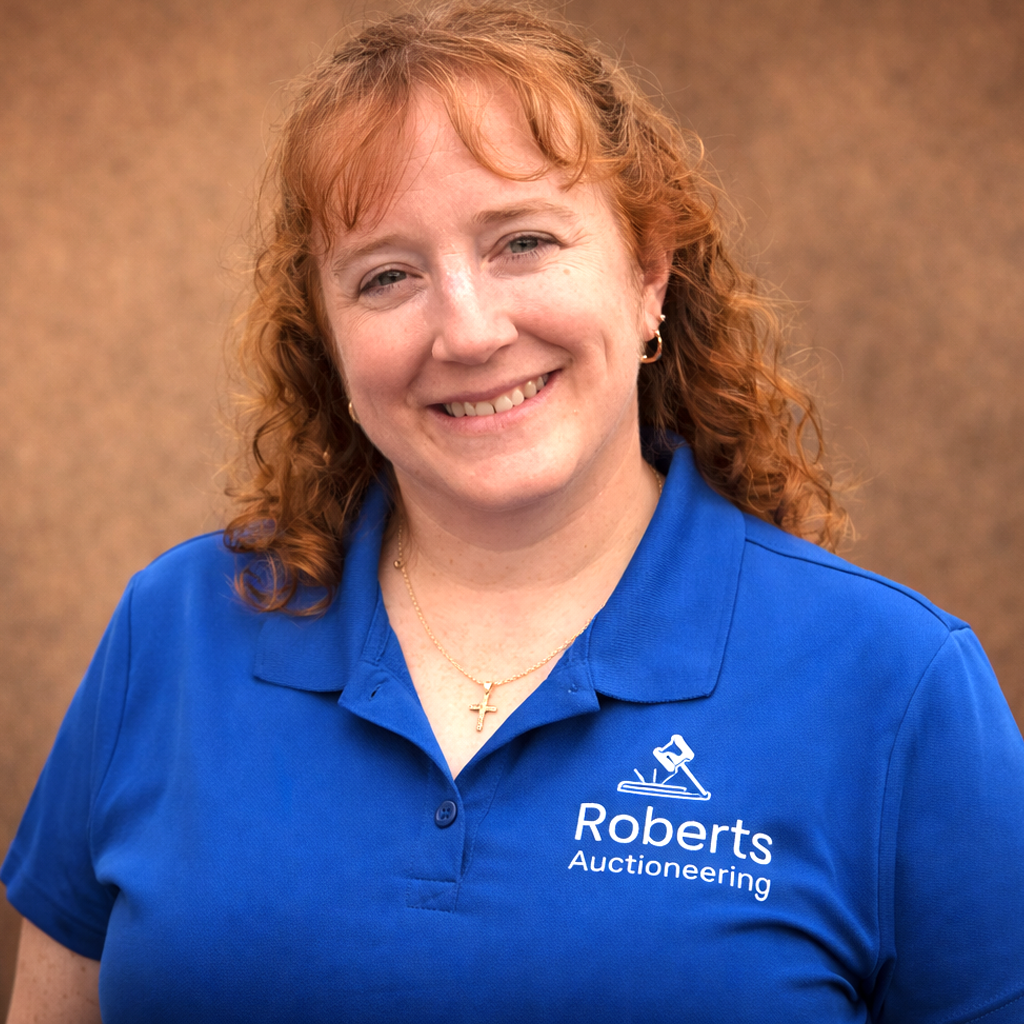
Christy Roberts
Your content goes here. Edit or remove this text inline or in the module Content settings. You can also style every aspect of this content in the module Design settings and even apply custom CSS to this text in the module Advanced settings.

Baxter
Your content goes here. Edit or remove this text inline or in the module Content settings. You can also style every aspect of this content in the module Design settings and even apply custom CSS to this text in the module Advanced settings.

Charlie
Your content goes here. Edit or remove this text inline or in the module Content settings. You can also style every aspect of this content in the module Design settings and even apply custom CSS to this text in the module Advanced settings.